
Time Console
Countdowns for iPhone
Let the countdown begin.
The trip you’ve been planning for months. The day you finally ship that project. Set a date in Time Console and enjoy watching it get closer.
Your dates
One day closer
See how long until something you’re looking forward to, or how much time has passed since a day you want to remember. Set anniversaries to repeat every year.
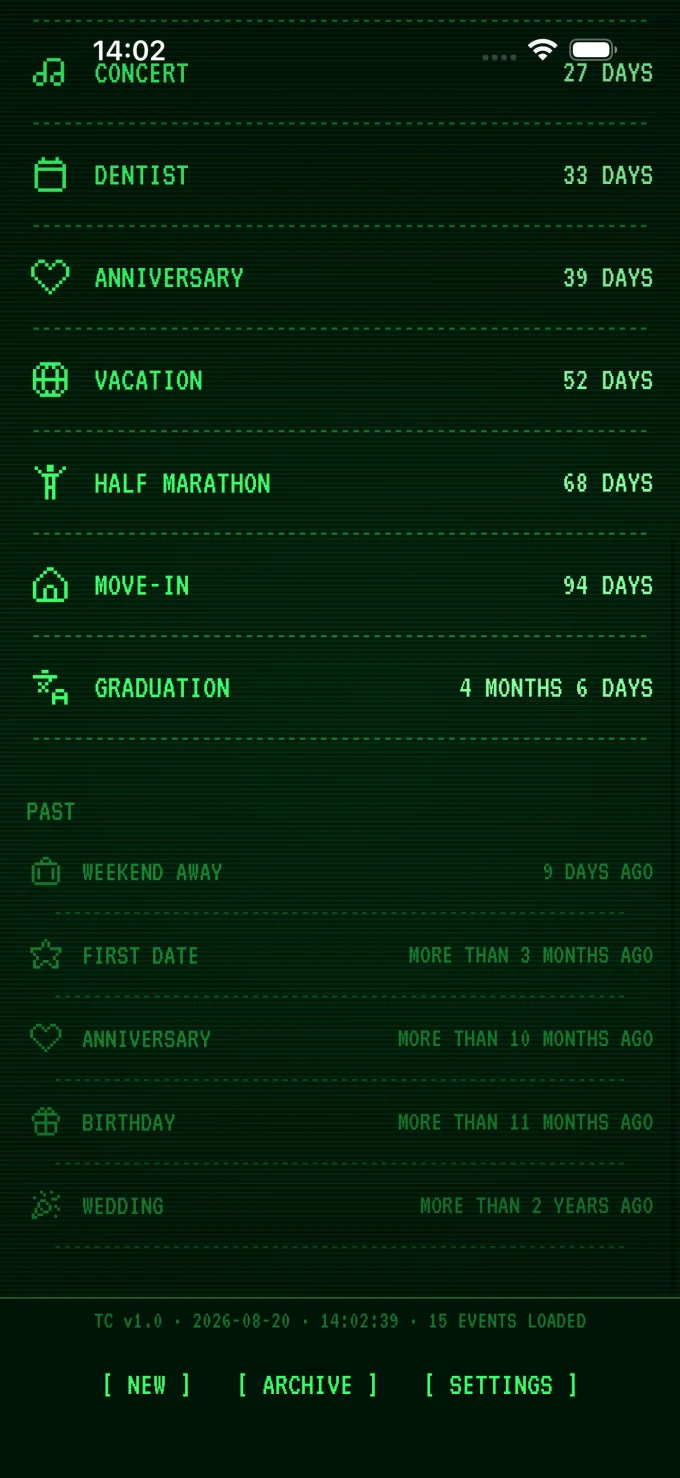
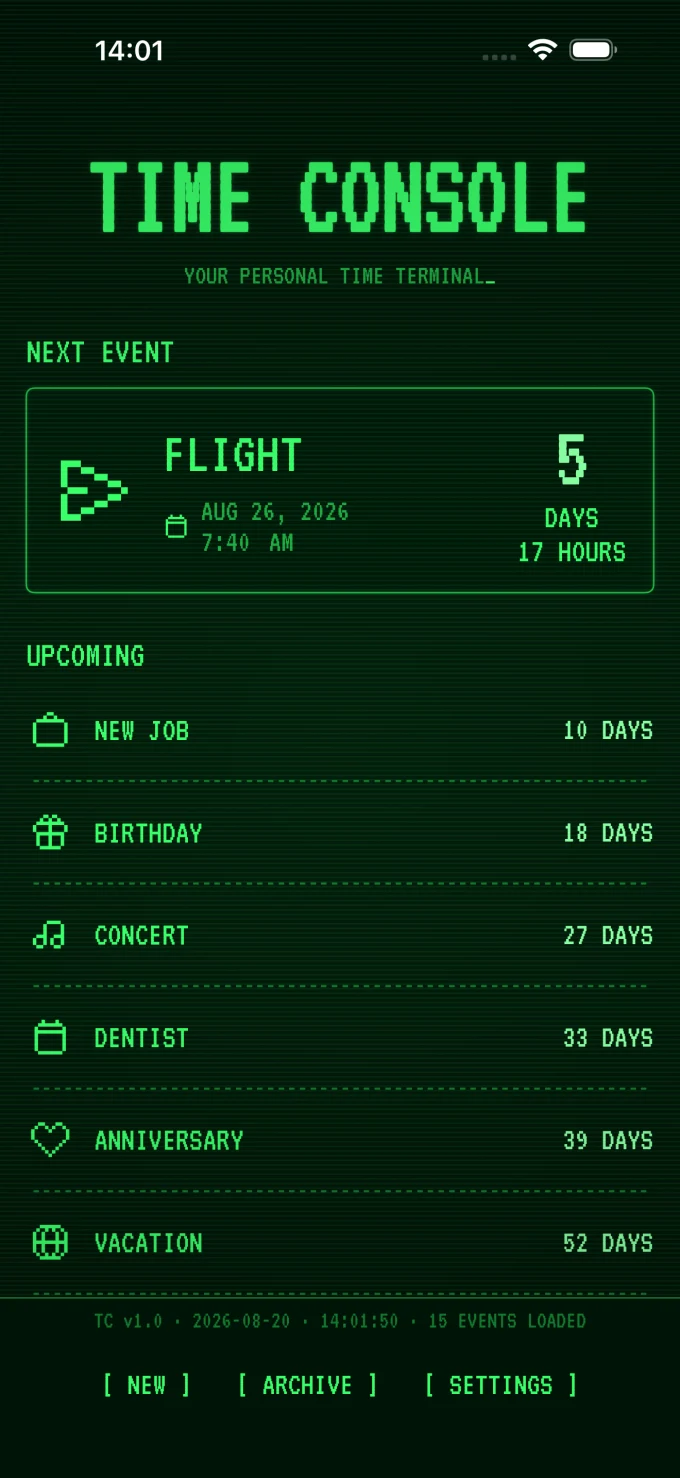
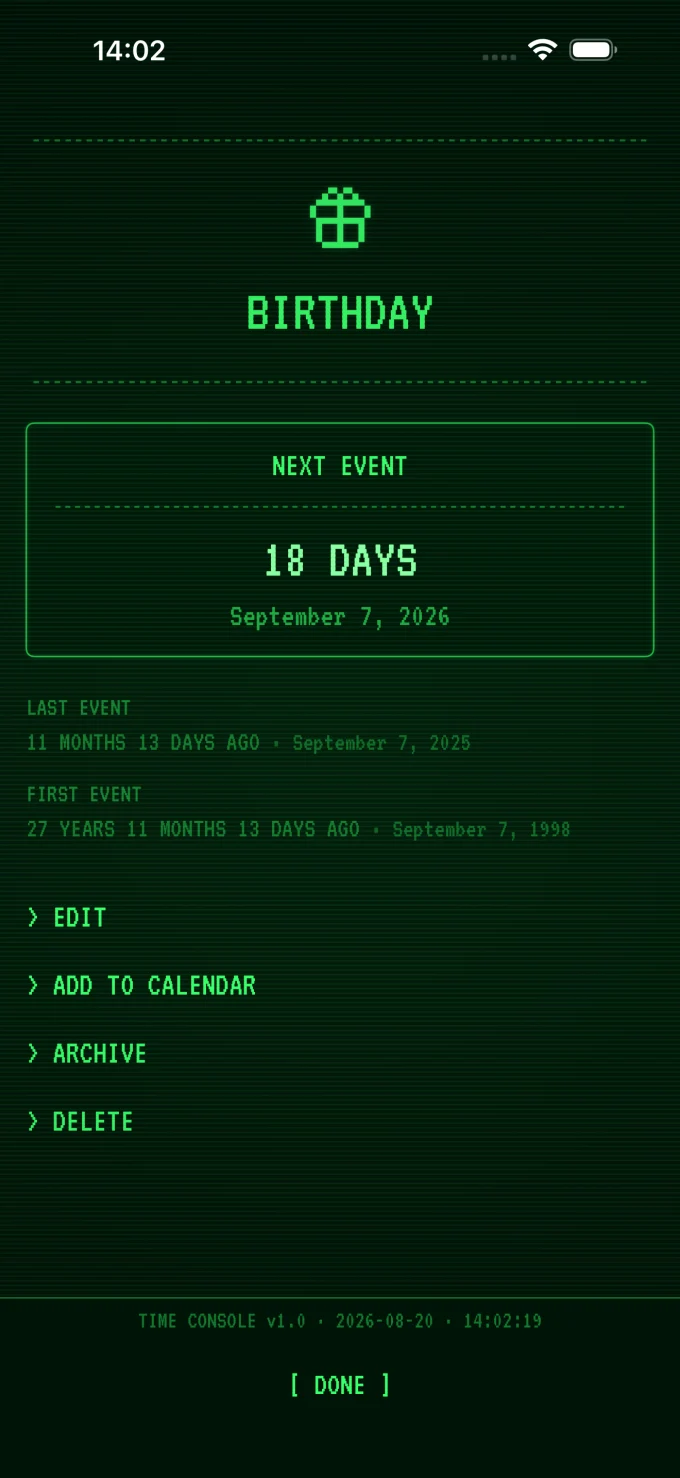
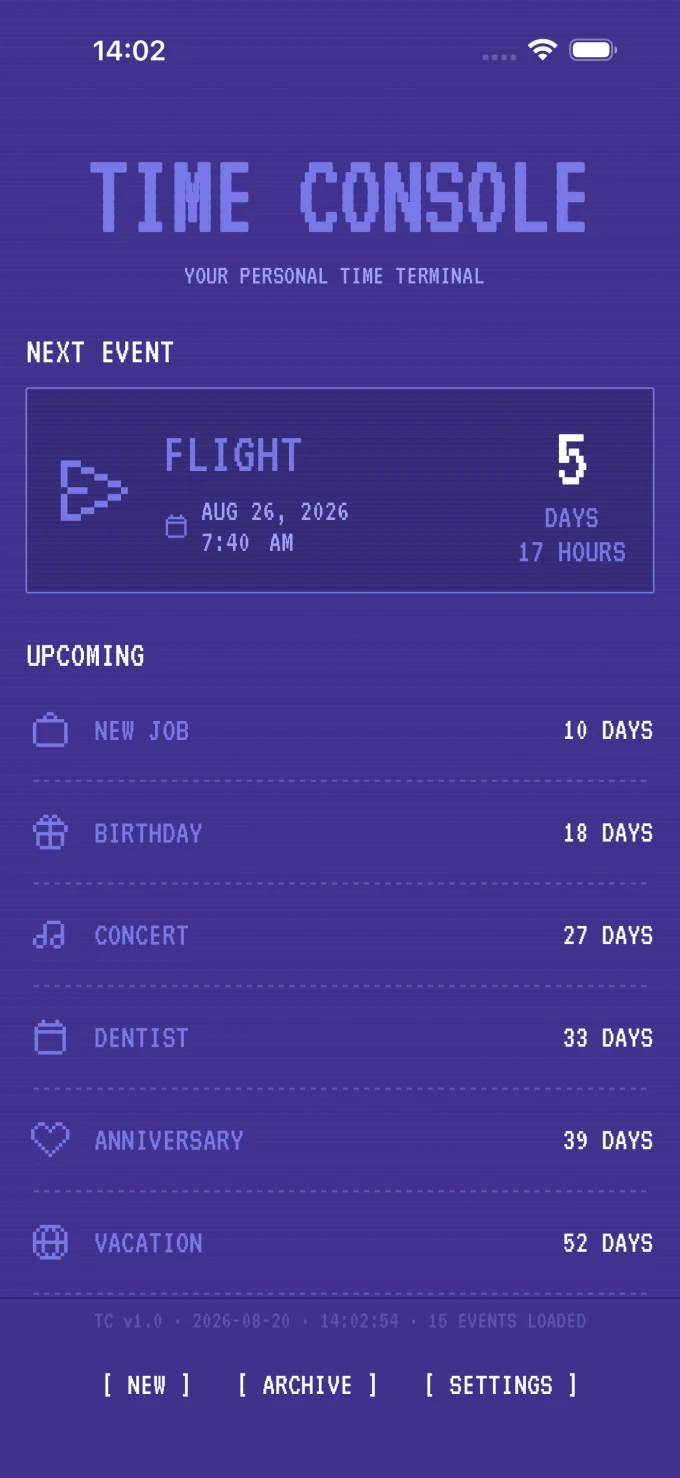
Retro themes
Your next adventure, on a CRT terminal
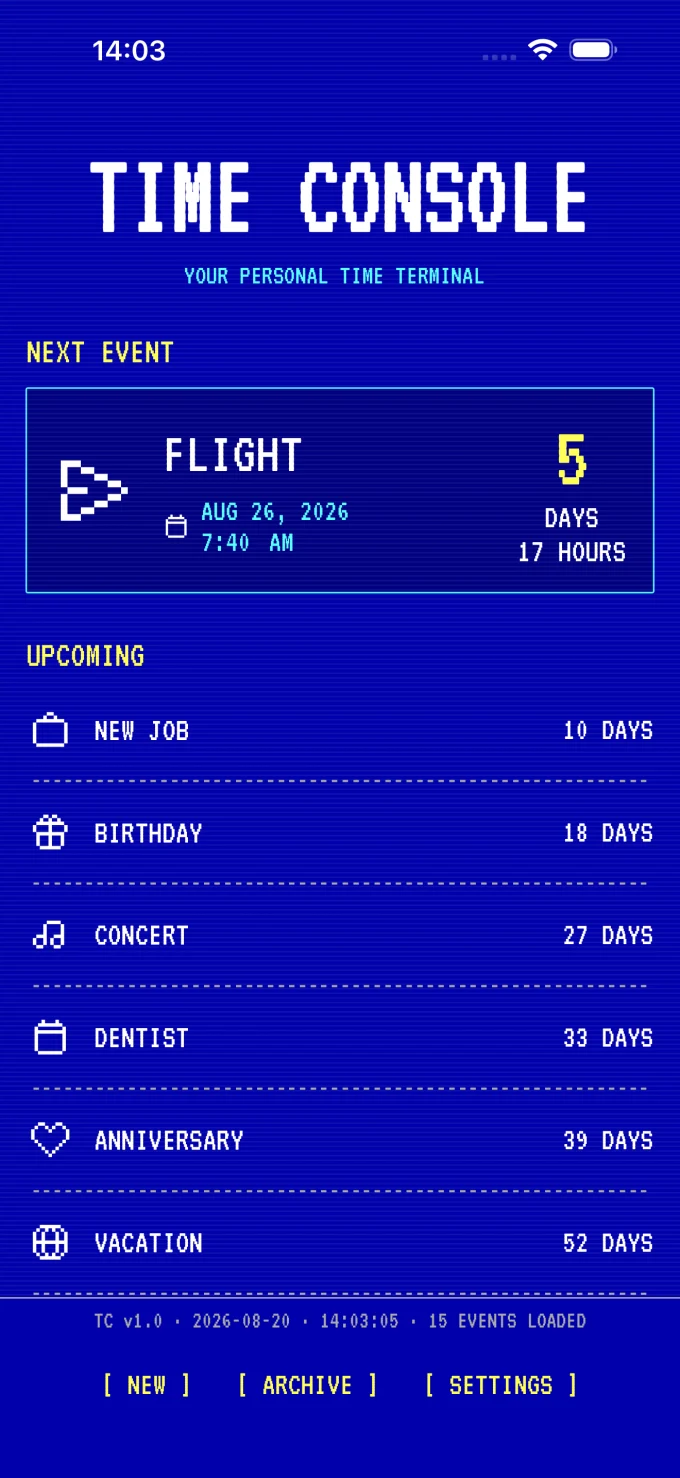
Some dates deserve more than a number on a calendar. Give them a green phosphor glow, C64 purple, or the look of an E-Ink display.
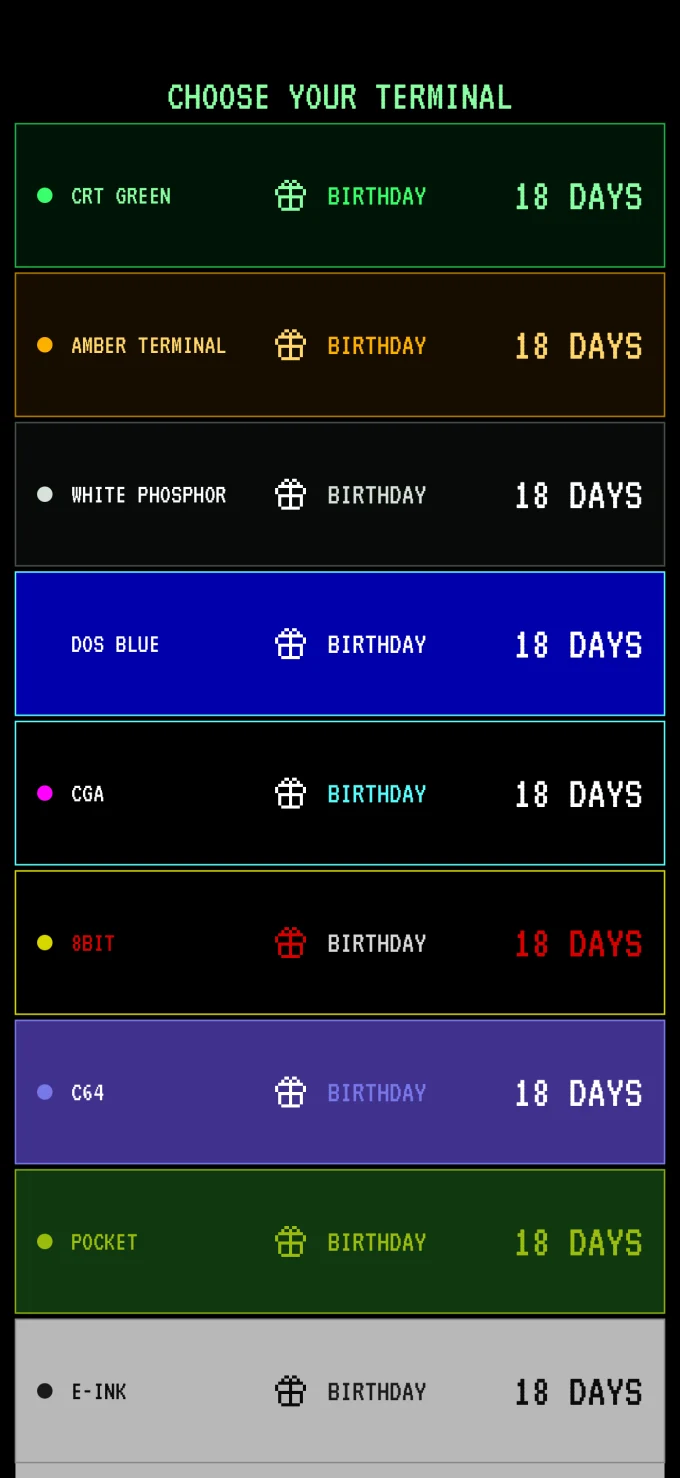
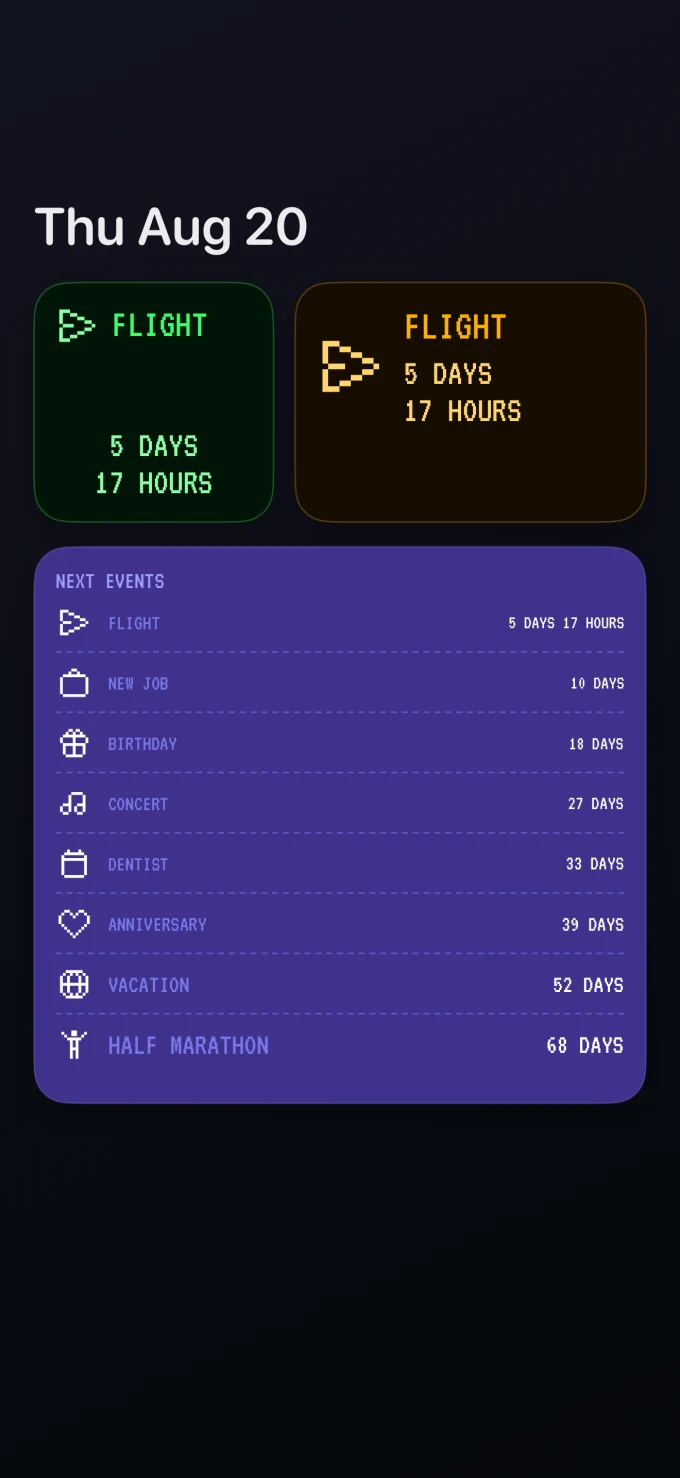
Widgets
The date you’re waiting for, right on your phone
Put your next milestone on your Home Screen and see how long until it arrives without opening the app.
And a little more for your dates
- Every year
- Set birthdays and anniversaries to come around again.
- Add to Calendar
- Send a milestone to your calendar when you want it there, too.
- Time Console Pro
- Unlock more themes and widget options with a one-time purchase.
- Count elapsed time, too
- See how long it’s been since a date that matters.
- A glance is enough
- Check your next milestone in a widget without opening the app.
- Retro terminal look
- Give your dates the feel of an old-school display.
What day are you waiting for?
Pick a date and start counting.
Try it free